
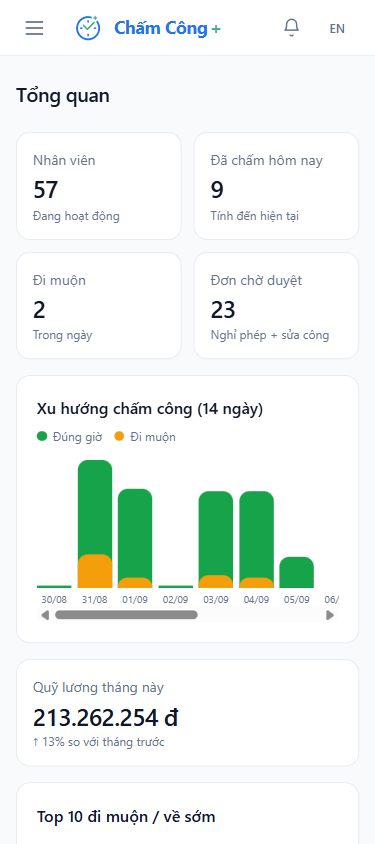
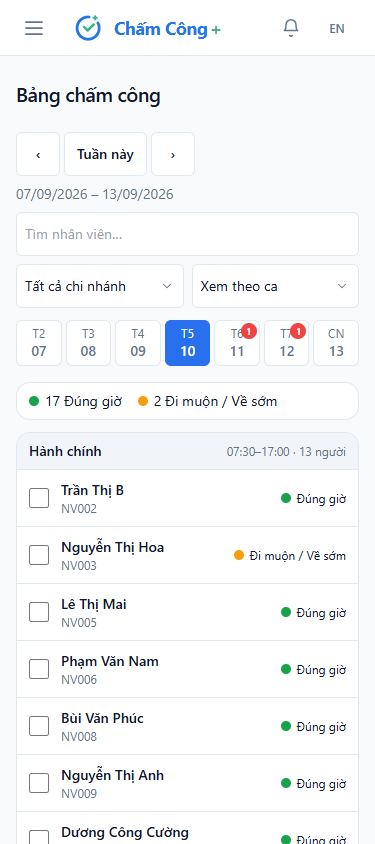
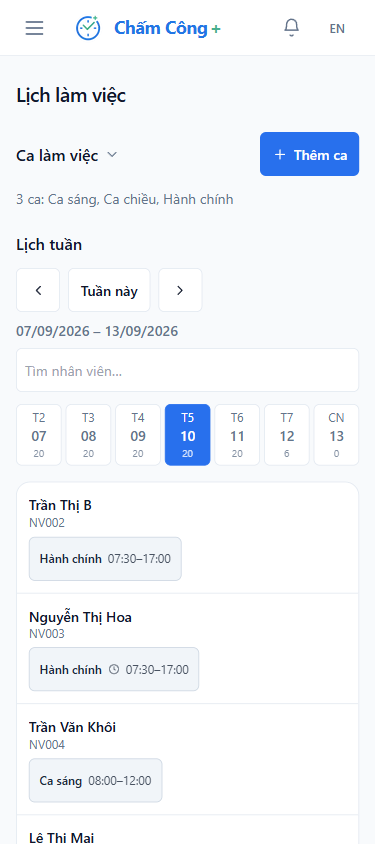
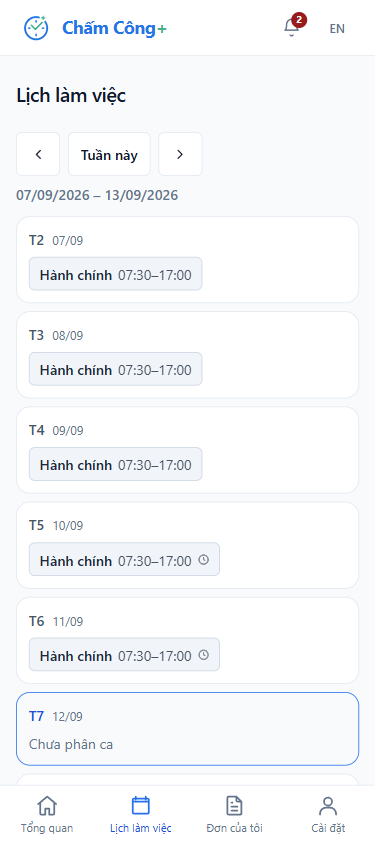
Multiple branches, each with its own manager
Each branch schedules shifts, approves requests, and runs its own payroll. Managers see only their own people — other branches' pay stays hidden.
Employees clock in with location on their own phone. Managers approve requests instantly. Payroll is calculated automatically, down to the exact hour.
Busy? Send your staff list via Zalo and we set up shifts, schedules and an account for each person, usually the same day. Prefer to do it yourself? Start the free trial — no credit card.
In one office where everyone works the same hours, a spreadsheet is fine. Add branches, shifts, and people working offsite, and the numbers start drifting without anyone noticing where.
Each branch schedules shifts, approves requests, and runs its own payroll. Managers see only their own people — other branches' pay stays hidden.
Set up job-site locations; employees clock in wherever they are. A slightly off-location punch still gets recorded — the manager reviews before deciding.
Split shifts, mid-week shift swaps, and overnight shifts are the three things spreadsheets get wrong most. Chấm Công Plus calculates all three correctly.
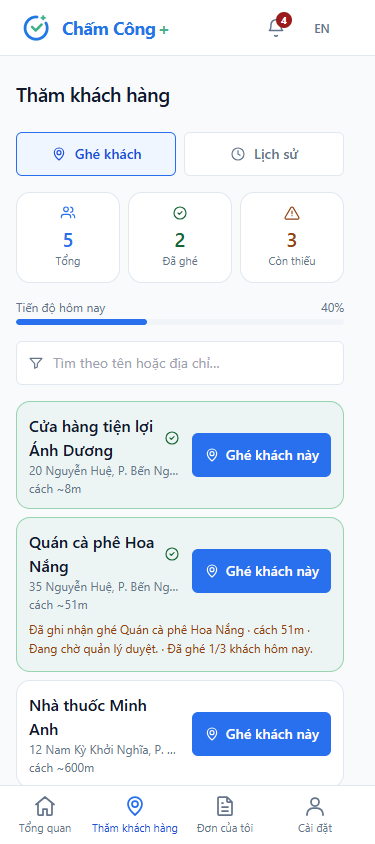
Assign customers or fixed routes to each rep. Checking in at a customer records attendance there — enough visits in a day counts as a full day's work.
Clock in on the phone, approve on a computer, get payroll at month end. No re-typing numbers anywhere.
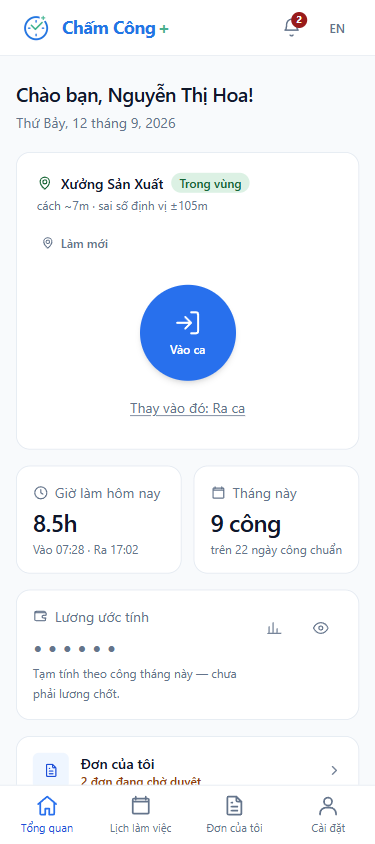
Open a browser and clock in — no app install. Retire the fingerprint scanner and the sign-in sheet that gets passed desk to desk.
A weak GPS signal still gets recorded, flagged for a manager to review. Real employees never get hard-blocked.
Assign the whole team's shifts on one screen, by branch. Employees open their phone and immediately know their shift.
Leave, overtime, and attendance corrections all go through one approval flow. Who submitted, who approved, and when — all recorded.
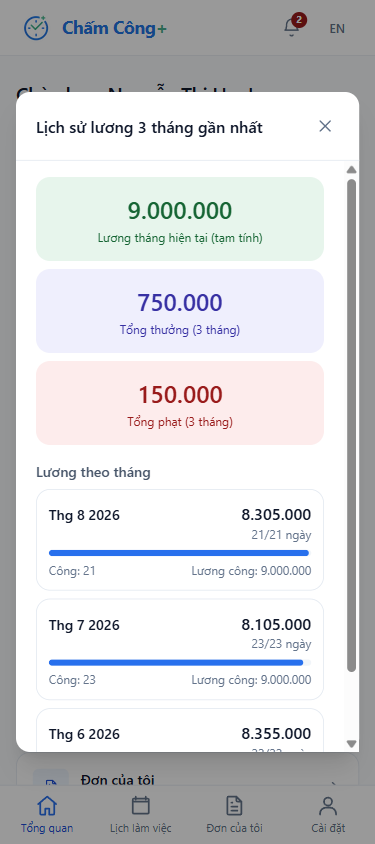
Calculated straight from clocked hours — no re-typing into Excel. Once finalized, it's locked and can't be edited backward.
Schedule, hours worked, leave requests, and payslips going back several months — all on the phone. Admin staff field far fewer repeat questions.
Field reps tap to check in at each customer and see the distance to each one in advance. Enough visits in a day automatically counts as a full day.
Each account is tied to one phone. Clocking in from someone else's phone gets blocked or sent for manager review.
Import employees, customers, allowances, bonuses, and deductions in one batch from a template file. Any bad row is flagged before anything is saved.
Five steps, and you can do every one of them yourself. No installer visit, no implementation schedule to wait for.
Name the company, add each person's profile, set shift hours and the year's holidays. Do it once, use it all year.
Pick your office or store on the map and set the allowed clock-in radius around it.
You set a username and a temporary password for each person, then hand both over. On first login, they're required to change it.
They open it on their phone, nothing to install. For faster access, they can save it to their home screen.
The hours are already there. Review, finalize, then export to Excel or send it straight to your bookkeeping.
No employee limit, every feature included. The table below shows our planned pricing once billing starts — published early so you know roughly what you'll pay later.
Up to 10 employees who worked that month.
Up to 30 employees who worked that month.
The bigger the team, the cheaper each person.
Works like a mobile plan: add money to your account and each month is deducted automatically based on who worked. The longer you top up, the more you get free.
Only employees who actually worked are counted. Wallet balance is non-refundable. Planned pricing for when billing starts — currently free.
Companies that sign up during 2026 keep the price first announced. Later price increases won't apply to you.
Before billing begins, we'll publish the official price list and give at least 30 days' notice. No account is ever switched to paid automatically.
Export all your attendance and payroll data to Excel at any time, even after you've decided to stop using the product.
Creating an account takes a few minutes. If it's not a fit, you lose nothing.
Start free trial